Mary
★★★★★Nov 25, 2026
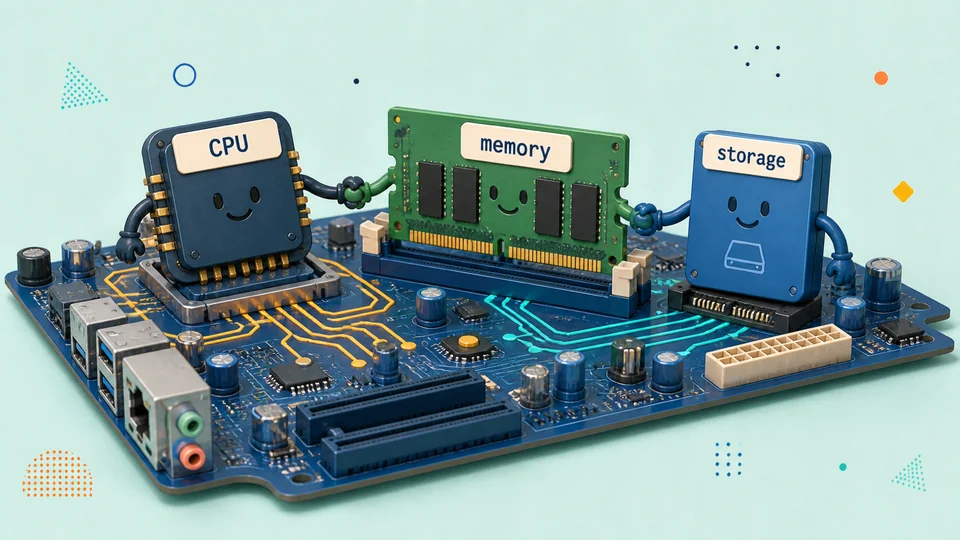
Understand what your computer is doing from startup to program output. This beginner course explains the CPU, memory, storage, software, operating systems, files, folders, paths, command-line tools, environment variables, and common errors through concrete examples and safe practice.
You do not need prior technical knowledge. You need a laptop or desktop where you can open a terminal and create disposable practice files. When command-line practice begins, the lessons show the commands for your own system, whether that is PowerShell on Windows or Bash and zsh on macOS and Linux.
By the end, you will be able to find and organize project files, read absolute and relative paths, inspect and change a practice directory safely, run a supplied Python file, and use error evidence to distinguish command lookup, path, permission, and program failures. The course prepares you for Python Fundamentals without teaching Python syntax itself.
8
chapters
40
lessons
11
practice exercises
1
project
Chapter 1
Chapter 2
Chapter 3
Chapter 4
Chapter 5
Chapter 6
Chapter 7
Chapter 8
Mary
★★★★★Nov 25, 2026